Banner size
300×250 · Medium Rectangle
Everything about the 300×250 banner (Medium Rectangle): what it is for, where it goes, what weight to use, and how to design it.
- Name
- Medium Rectangle
- Aspect ratio
- 6:5
- Device
- Desktop and mobile
- Reference weight
- Pensado para los límites de cada plataforma; confirma el tuyo
- Format
- HTML5 with clickTag (the click link), with optional MP4, GIF, or PNG/JPG image in the same .zip
- Origin
- IAB guidelines
What it is for
One of the most common formats: it fits on desktop and mobile, and many platforms accept it. It should be among the first a campaign uses.
Where it goes
Inside article text, between content blocks, and in sidebars.
BannerMotion does not generate a single size on its own: each concept comes out at once in all the sizes and languages you choose, and 300×250 is one of those pieces.
Best practices
Tip for 300×250At 300 px wide it fits any mobile screen without scaling.
Tip for 300×250Put the logo at the top or bottom and keep the center for a single idea.
Borde y contrasteSi el fondo del banner es claro, un borde fino evita que se mezcle con la página.
Un solo mensajeUna idea, un titular y un botón. Si hace falta explicar más, esa explicación va en la página de destino.
clickTag y respaldoIncluye el clickTag que pide tu plataforma y una imagen de respaldo para cuando el HTML5 no se pueda mostrar.
Revisa el peso y la animaciónLos límites de peso, duración y repeticiones los fija cada plataforma. Confírmalos antes de subir.
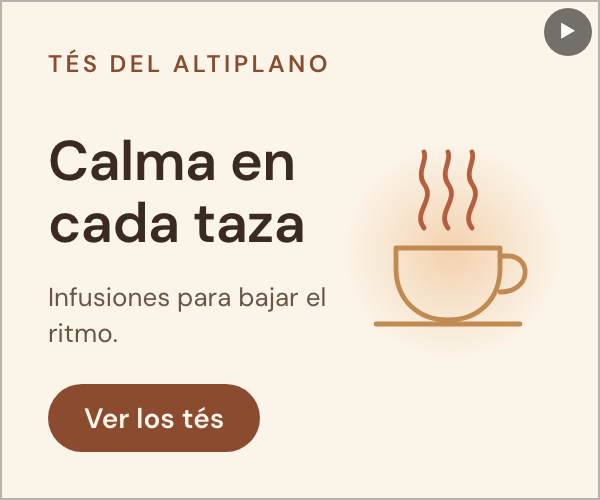
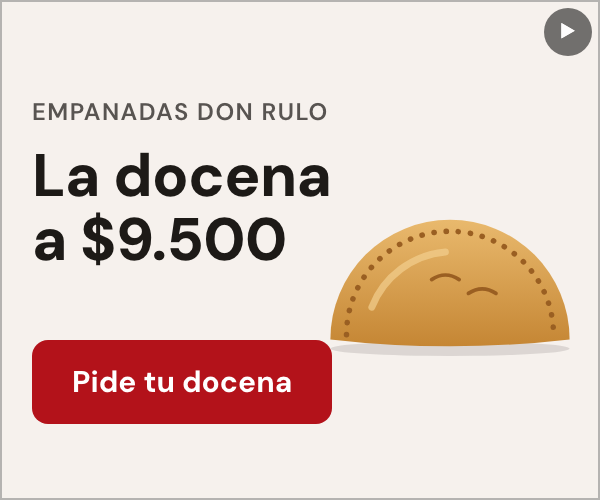
Examples of this size

Sizes in the same family
Create your concept with 300×250 now.
Describe your campaign and get a concept in all the sizes and languages you choose.